No go-arounds on the paperwork.
An iPad app with which aviation examiners complete the forms required after a check or test, and a portal in which the organisation manages its forms and examiners. For ATOs and airlines in the EASA area.
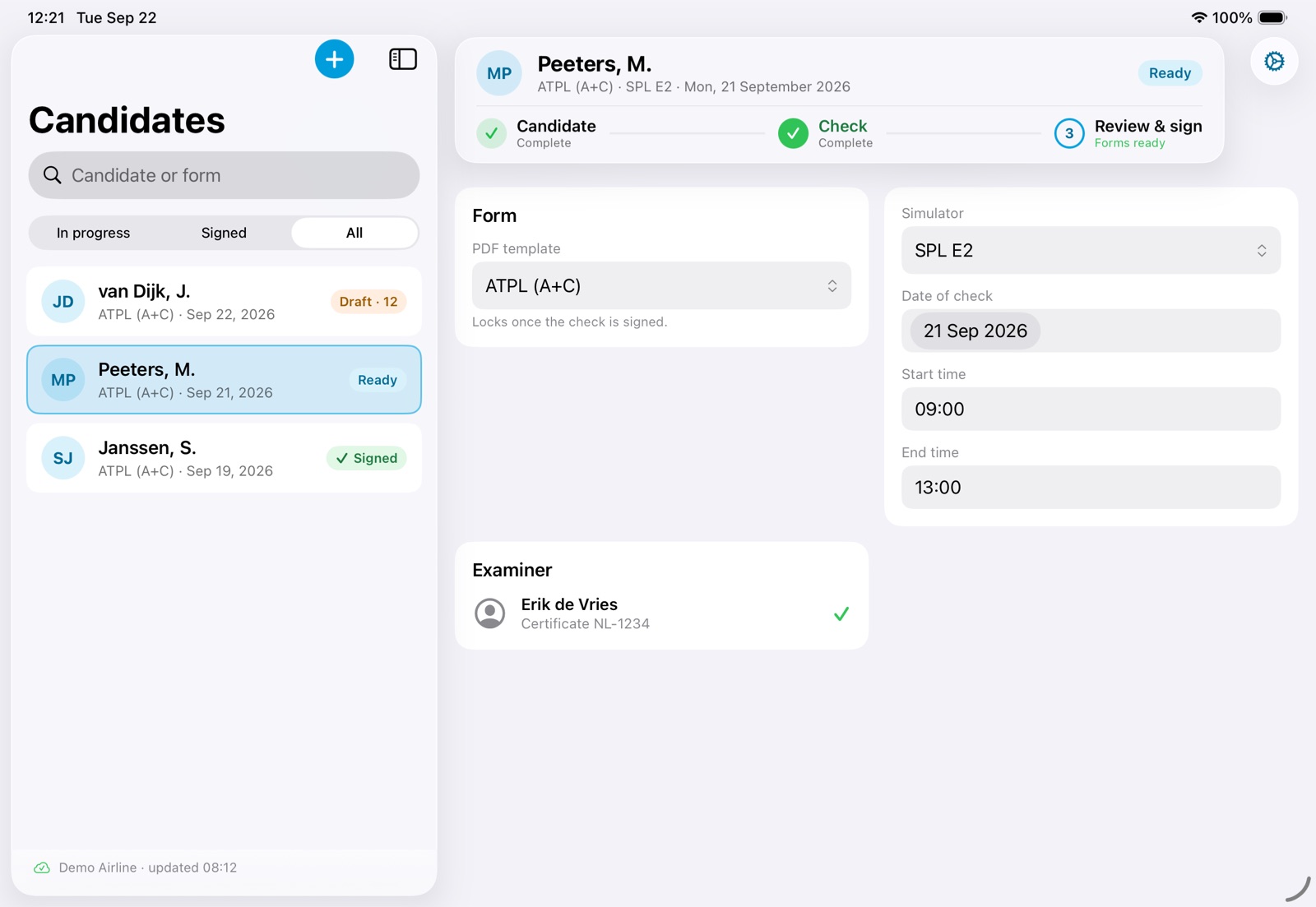
Every check ends with paperwork, and the paperwork is where checks go wrong. A date copied across three forms, a licence number typed again, a field the authority's validator rejects weeks later — and the examiner, the one person who was in the room, is asked to do it over. Meanwhile the candidate's details sit in email threads and on desks, and the organisation is the one answerable for them.
We believe the record of a check should be made once, in the room, by the person who conducted it — and be right the first time.
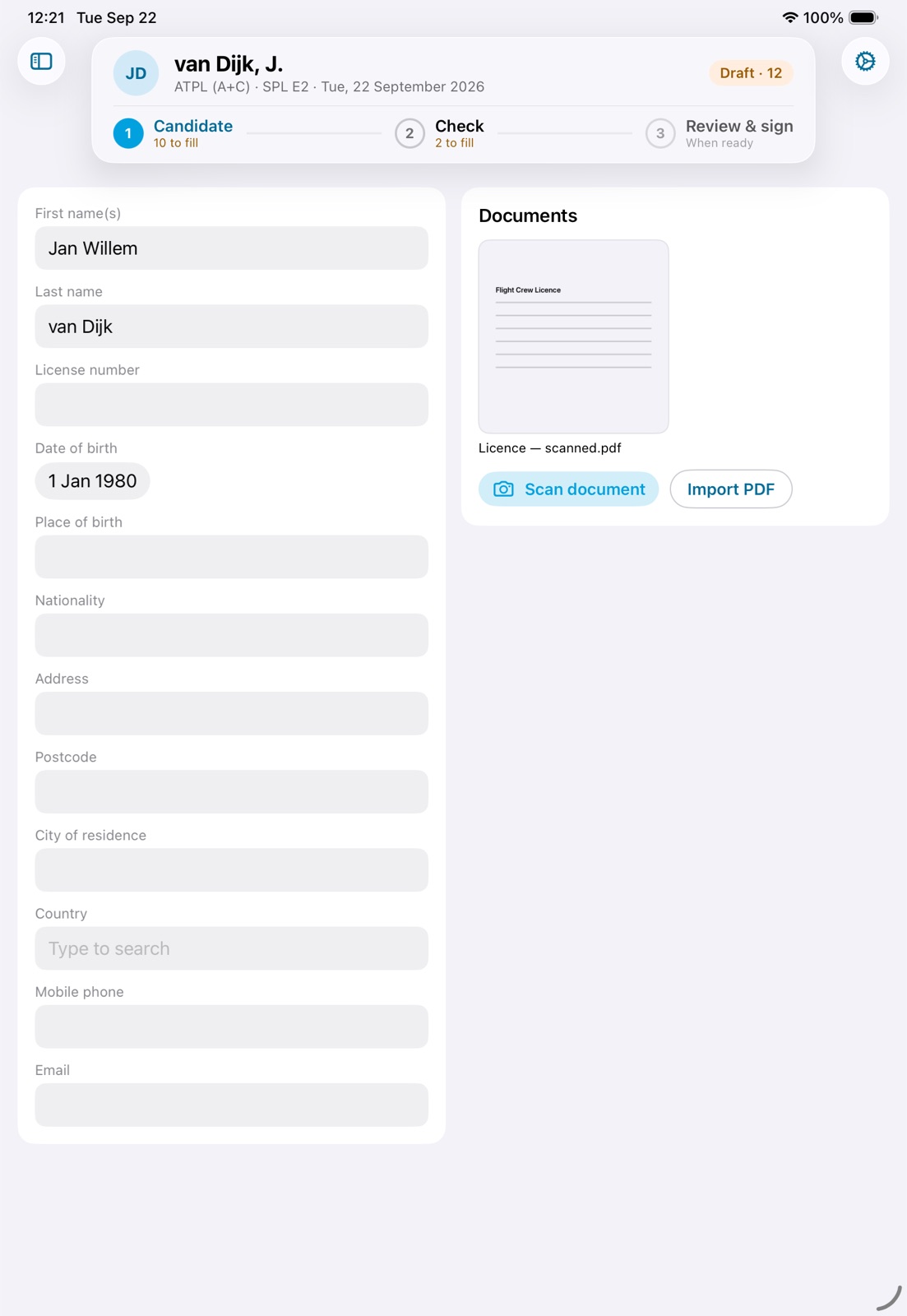
Candidate
Scan the candidate's licence with the camera. The details are read on the iPad itself; nothing leaves the device. Correct anything by hand, once.
Check
Date, times, simulator, result — each question asked once, in the order the forms need it. Your organisation's own questions are asked here too. Phone numbers, email addresses, countries and Dutch postcodes are checked the way the authority checks them, so a rejection is caught before it happens.
A simulator building with no reception is the normal case — a check never needs a connection.
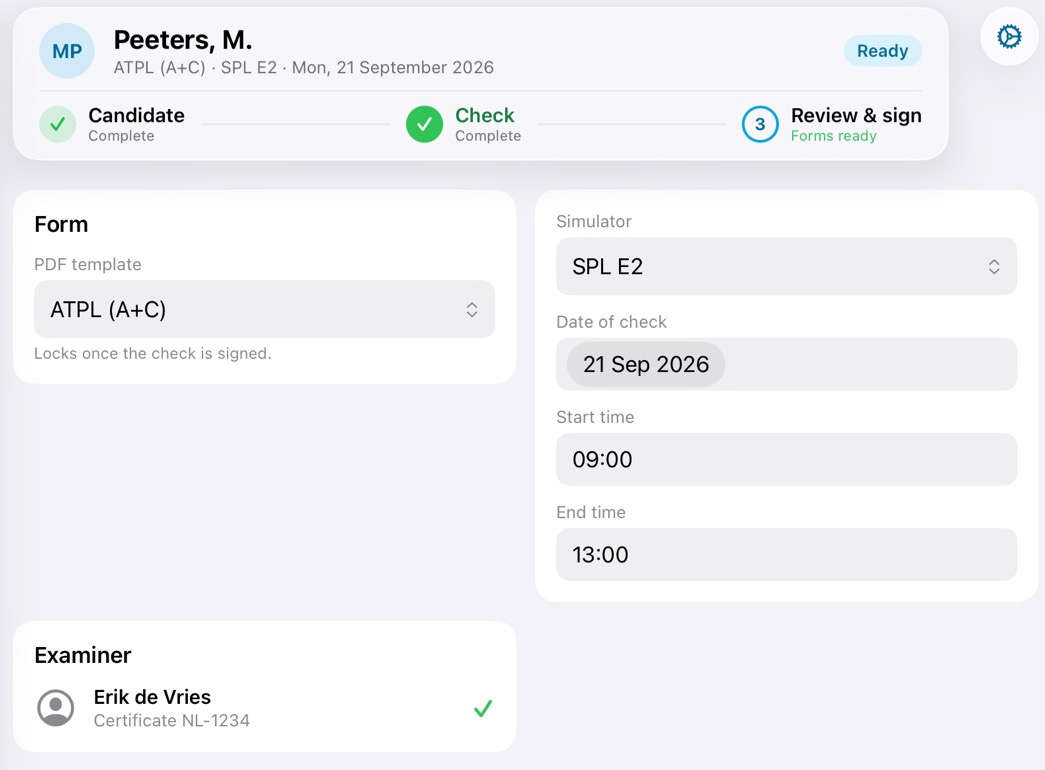
Review & sign
The forms are already made. Read them, correct a detail if needed, then hand the iPad to the candidate to read and sign. The signature locks the check. The signed set goes to your back office from the iPad, with a seal that proves it arrived exactly as it was signed.
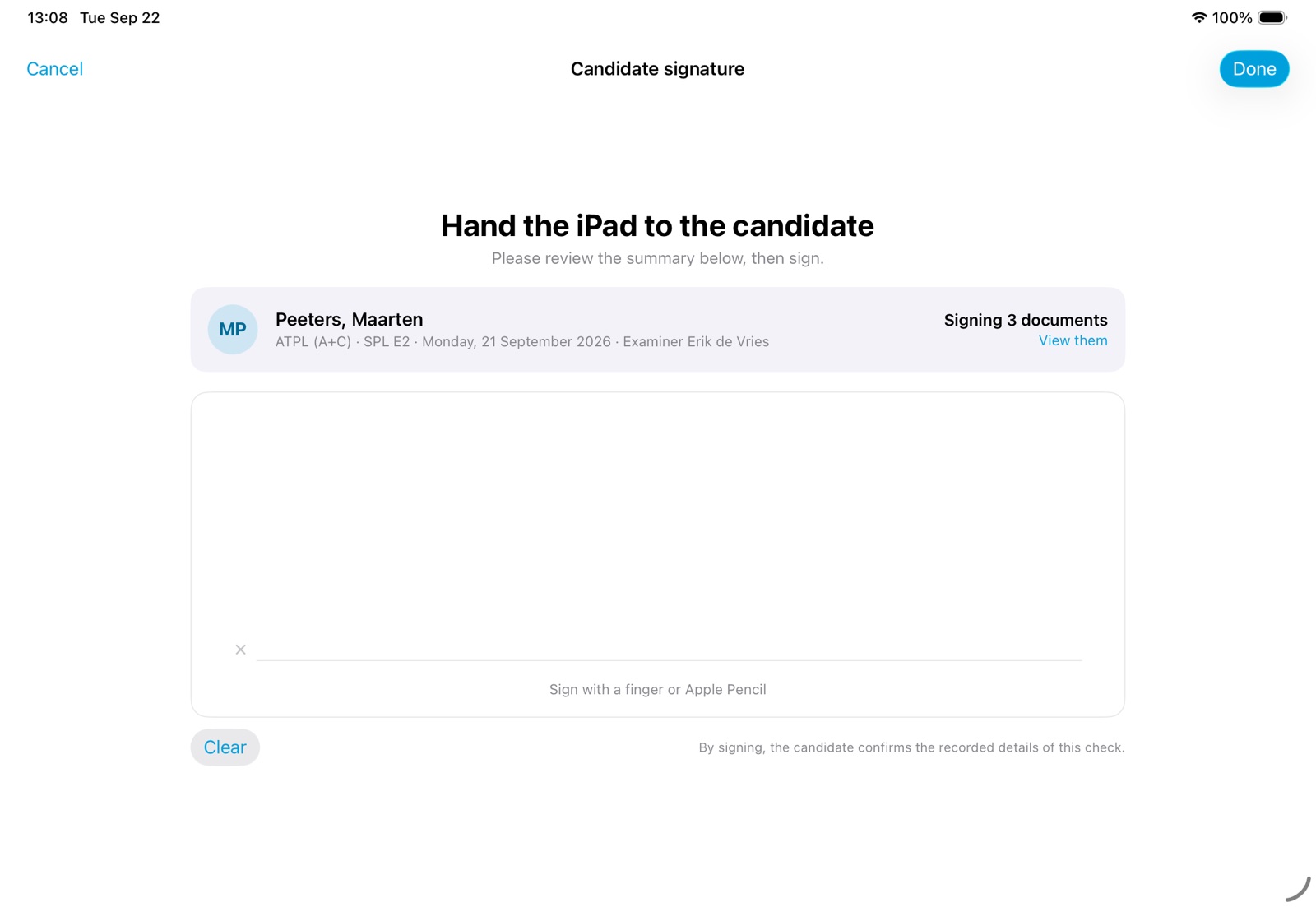
All names in these pictures are fictitious sample data.
Your side of ExForms, in a web browser.
Your examiners work on the iPad. Your office sets up everything behind them in the portal: who may use the app, which forms they fill in, and checking what comes back.
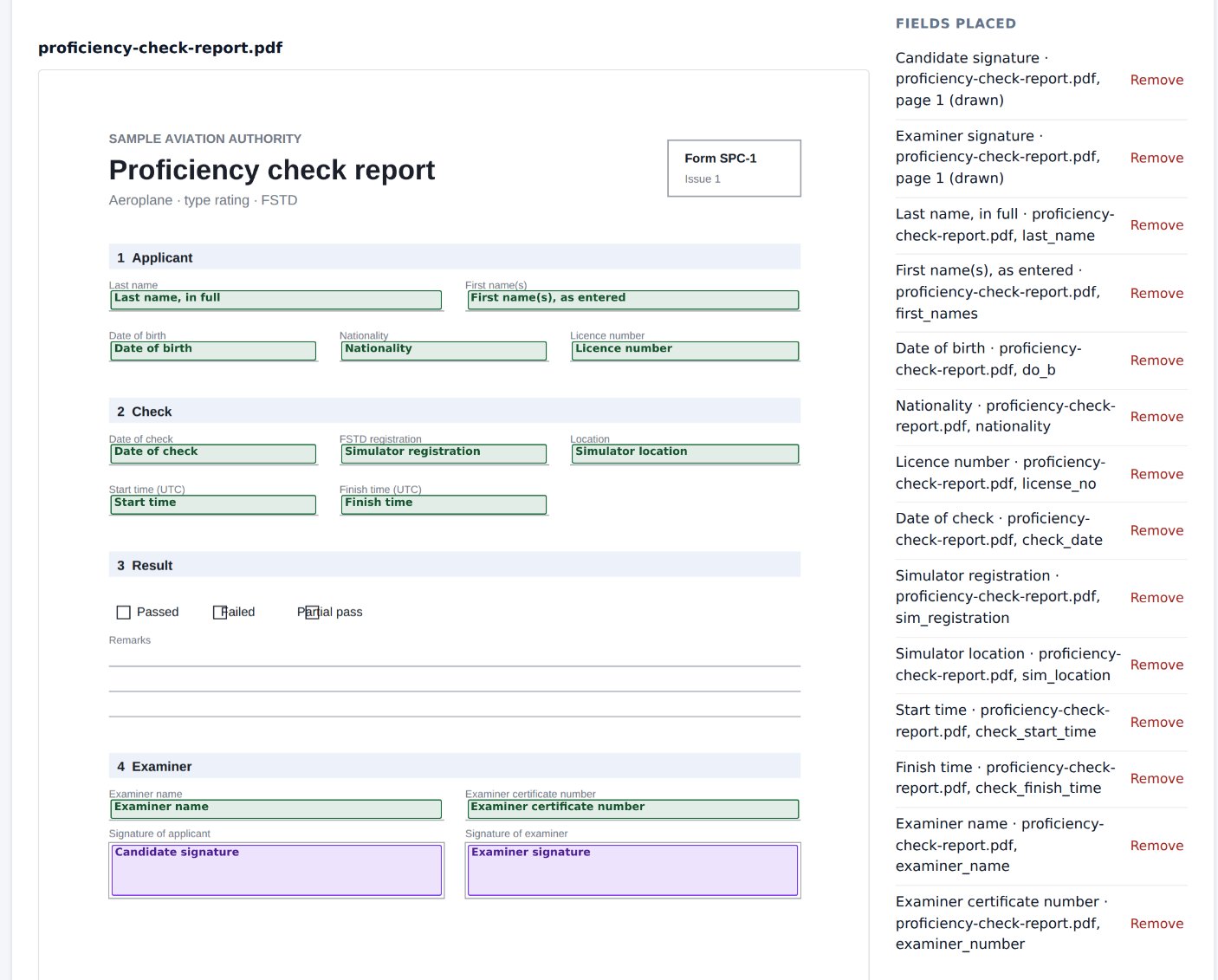
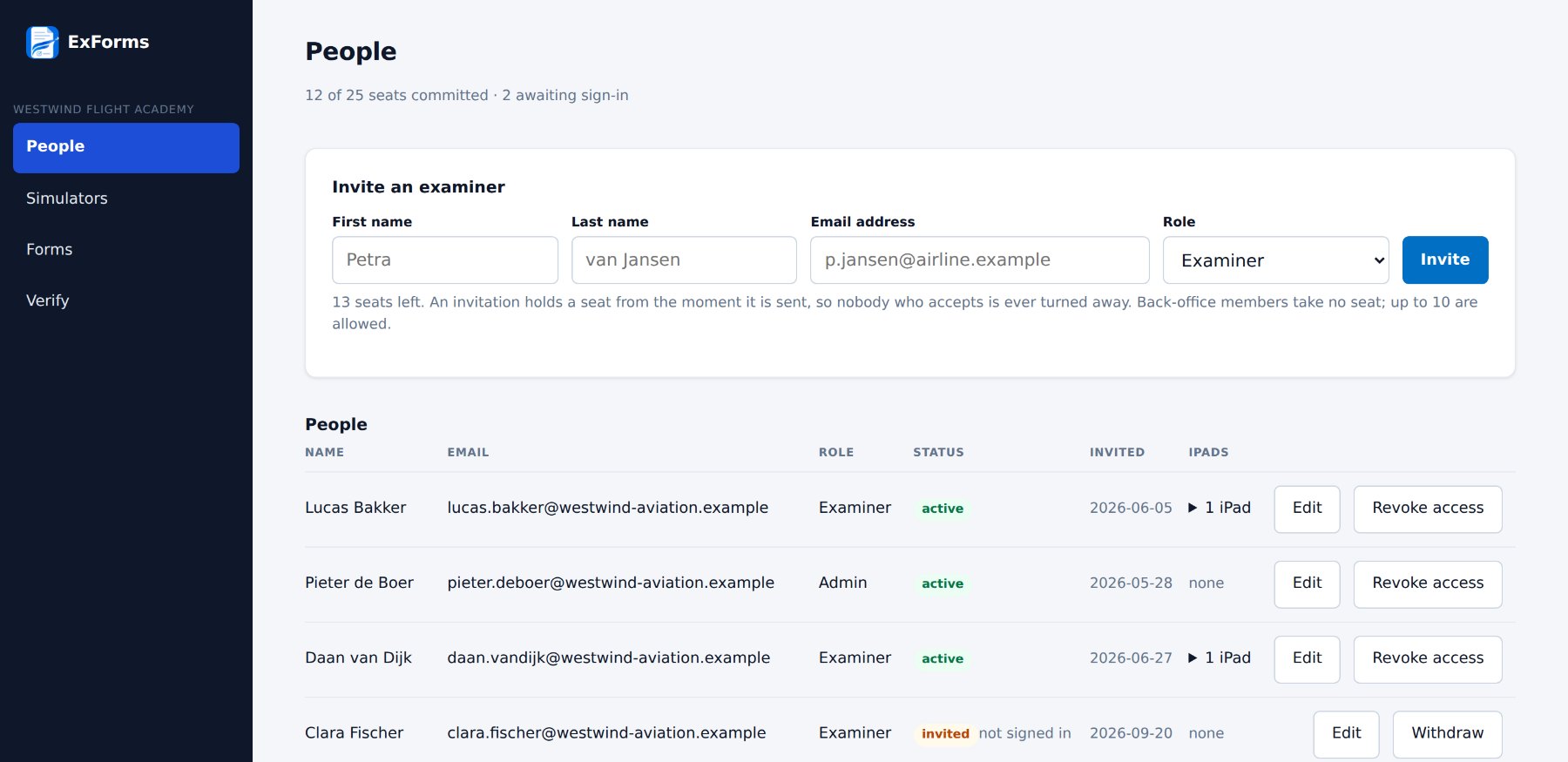
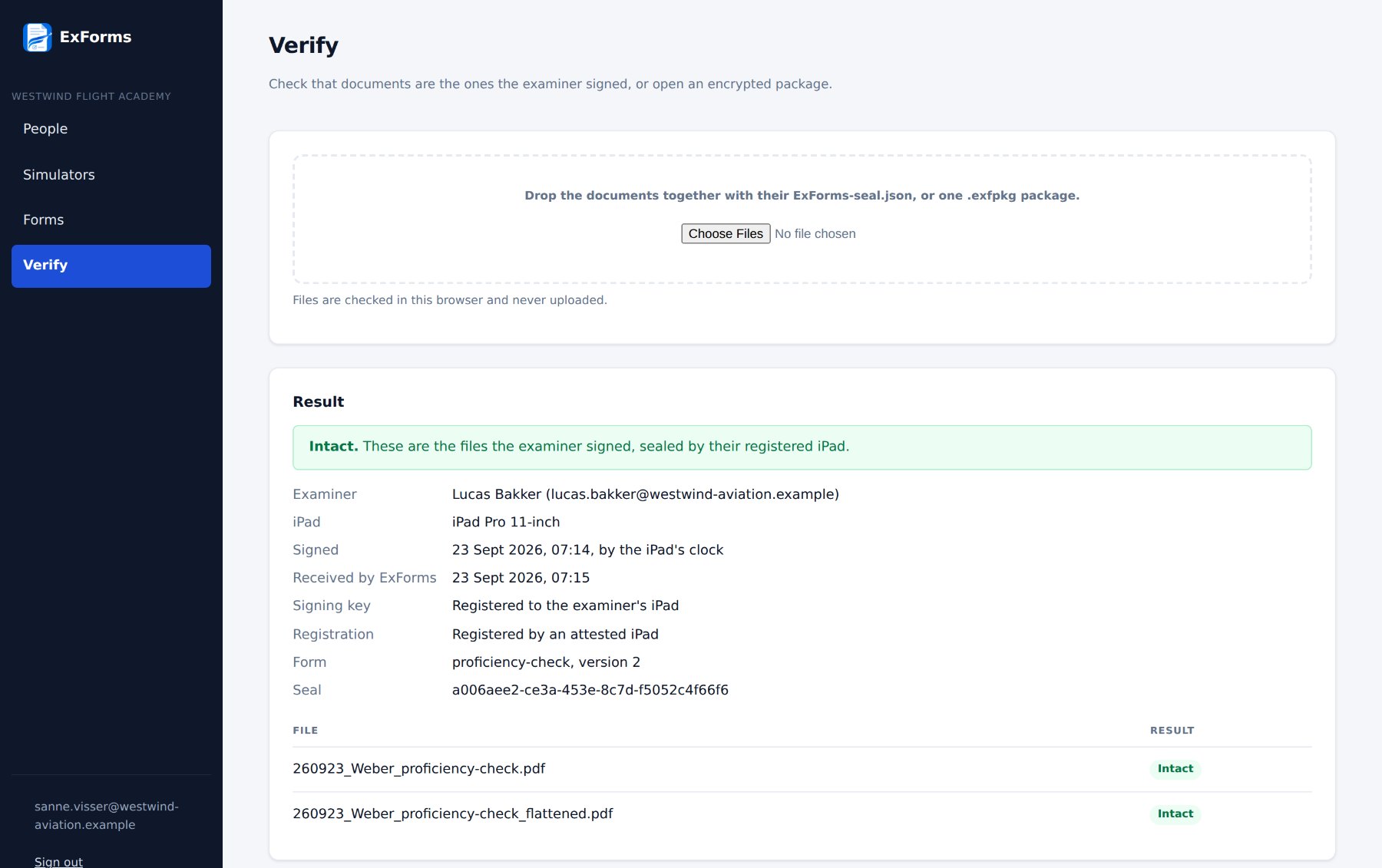
Sample organisation, people and authority form — all fictitious.
Where the candidate's data is
Names, licence numbers, dates of birth and signatures are kept on your organisation's iPads and in their own backups, go only where your examiner shares them, and are never sent to ExForms. On the iPad, Face ID or the passcode covers everything on screen, and the app switcher shows a blank card instead of the check. The service holds accounts and blank forms, in Amsterdam on Scaleway, an EU-owned provider. Two sub-processors in total: Scaleway for hosting, WorkOS for sign-in codes.
Provable documents
Shared documents travel with a seal from the iPad's secure hardware naming the examiner, the device, the time and the form version; your back office verifies it in the browser. As a premium module, the set travels as one encrypted file that only your own portal users can open, never ExForms' own administrators.
See it with one of your own forms.
Licensed to the organisation per examiner seat, per year, with the encrypted-package module as an option. Pricing on request; we would rather show you the product first. ExForms supports your compliance function; it does not replace it — a person confirms every document.